32 Frontend Developer Interview Questions That Reveal Skill
On this page
- HTML and CSS: Layout, Specificity, and the Browser Box
- Explain the CSS box model. What's the difference between content-box and border-box?
- What's the difference between Flexbox and CSS Grid? When would you use each?
- How does CSS specificity work? How do you resolve specificity conflicts?
- What are CSS custom properties? How do they differ from preprocessor variables?
- How do you serve responsive images? Explain `srcset` and the `picture` element.
- JavaScript Fundamentals Every Frontend Dev Should Handle
- Explain the difference between `var`, `let`, and `const`.
- How does event delegation work in JavaScript?
- What are Promises? How do `async`/`await` relate to them?
- What is the DOM? How does the browser render a web page?
- What are `WeakMap` and `WeakSet`? How do they differ from `Map` and `Set`?
- Frontend Architecture: REST vs GraphQL, State, Monorepos
- Explain the difference between REST and GraphQL. When would you choose each?
- How do you choose a state management solution for a frontend application?
- Accessibility: From "Aware" to "Practiced"
- What are ARIA roles and attributes? When should you use them?
- How do you manage keyboard focus for modals and dynamic content?
- Performance: Core Web Vitals, Code Splitting, Caching
- What are Core Web Vitals? How do you measure and improve them?
- How to Run a 30-Minute or 60-Minute Frontend Screen
- 30-Minute Screen
- 60-Minute Technical Interview
- Scoring Frontend Interview Answers
- The 5-Point Scale
- Scoring in Practice
- Red Flags vs Green Flags
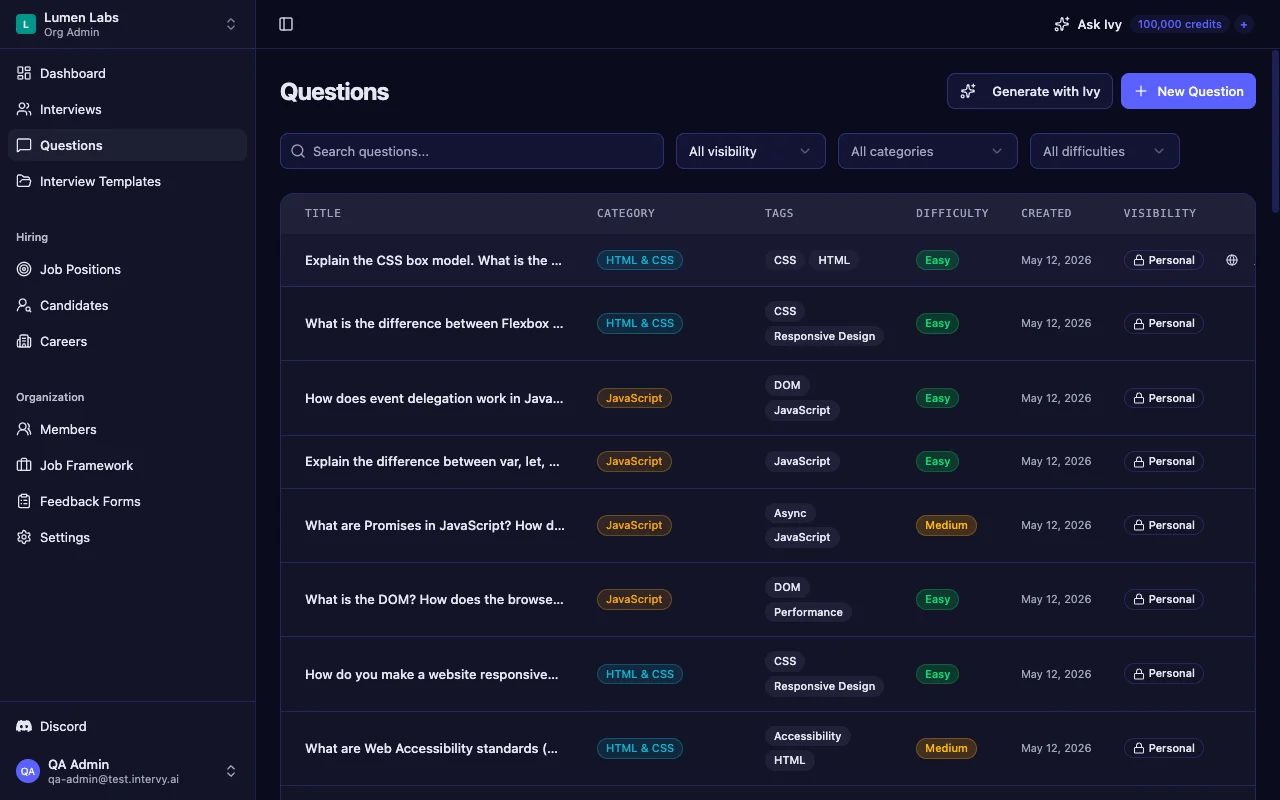
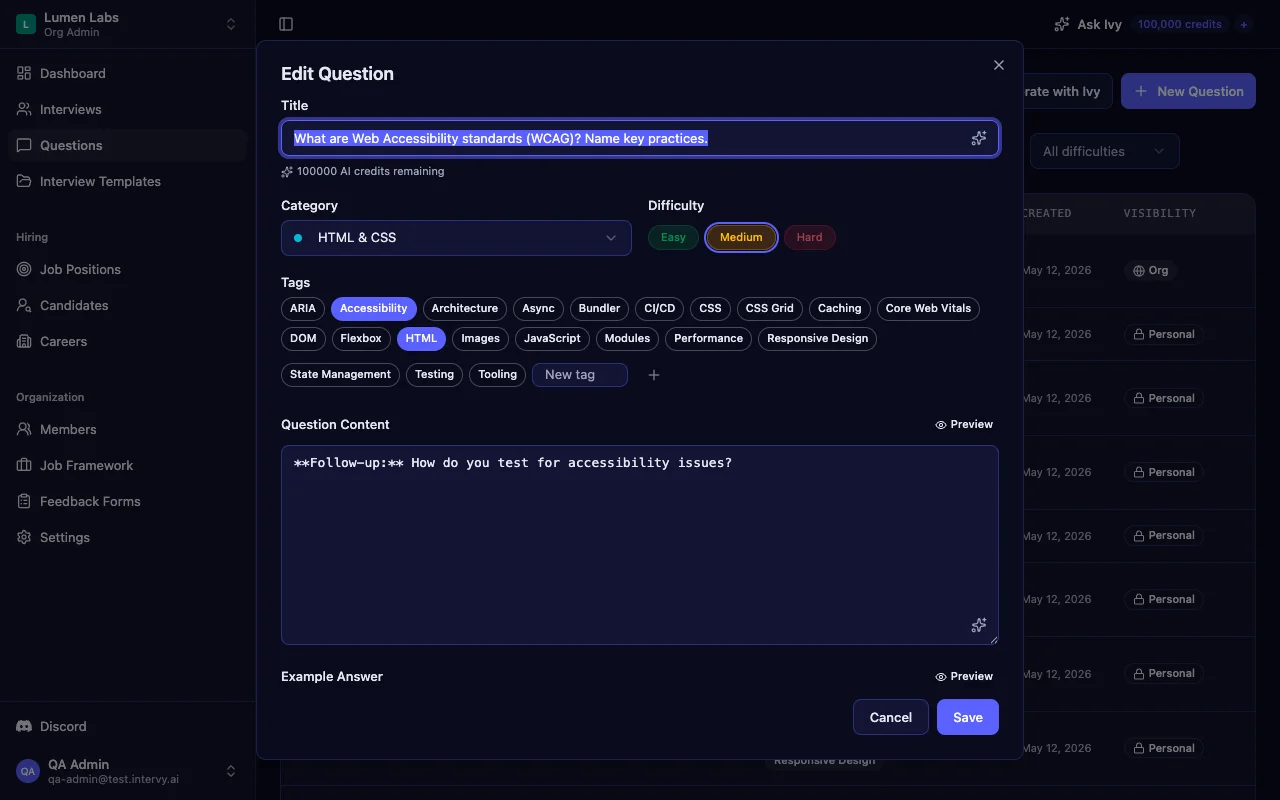
- Build Your Frontend Interview Question Bank
Most frontend developer interview questions you find online test trivia, not engineering judgment. Asking "explain the box model" tells you nothing about whether a candidate can ship a fast, accessible, maintainable UI. Frontend is a six-surface job — HTML, CSS, JavaScript, architecture, accessibility, and performance — and a good interview has to sample from all of them. This guide highlights 15 of the strongest frontend developer interview questions from our bank of 32, organized by surface, with reference answers and scoring guidance for interviewers.
TL;DR: 15 highlighted frontend developer interview questions across CSS, JavaScript, architecture, accessibility, and Core Web Vitals — with what to listen for at each scoring level. The full bank of 32 is on our Frontend developer interview questions page.
HTML and CSS: Layout, Specificity, and the Browser Box
These are the questions that separate candidates who style pages from candidates who build them. CSS interview questions get dismissed as easy, but the depth of an answer here predicts almost everything else.
Explain the CSS box model. What's the difference between content-box and border-box?
Every candidate should be able to draw the box: content, padding, border, margin. The signal is whether they reach for * { box-sizing: border-box } unprompted, and whether they can explain why — predictability when padding is added. Anyone who's been bitten by width: 100% plus padding: 16px blowing out a grid cell knows this answer cold.
What's the difference between Flexbox and CSS Grid? When would you use each?
The trap answer is "always Grid" or "always Flex." The real answer is one-dimensional vs two-dimensional, plus an explicit comfort combining them: Grid for page layout, Flex inside cells for alignment. Candidates who only know one tool will reveal it within thirty seconds.
Tip: Follow up with "Show me how you'd lay out a card with an image on the left, title and body on the right, and a price aligned to the bottom-right corner." Watch them reach for Flex or Grid first — there's no wrong answer, but the reasoning tells you everything.
How does CSS specificity work? How do you resolve specificity conflicts?
Look for the four-part calculation (inline, IDs, classes/attributes/pseudo-classes, elements) and — more importantly — a structural fix. A senior answer rejects nesting selectors deeply, rejects !important as a default tool, and reaches for BEM, CSS Modules, or utility classes to keep specificity flat. Anyone who says "just add !important" is a hiring signal in the wrong direction.
What are CSS custom properties? How do they differ from preprocessor variables?
CSS custom properties (--brand-color: #06b6d4) live in the browser at runtime — they cascade through the DOM, can be read and written from JavaScript via setProperty(), and power modern theming patterns like [data-theme="dark"] toggles. Preprocessor variables are compiled away. Candidates who understand this difference can build a dark-mode toggle in their sleep.
How do you serve responsive images? Explain srcset and the picture element.
Two different problems: resolution switching (<img srcset> plus sizes) and art direction (<picture><source media>). A great answer also mentions modern format negotiation (type="image/avif" falling back to webp falling back to a JPEG). Candidates who only know <img> will produce 2 MB hero images in production.
Key takeaway: CSS questions feel "easy" but they're a sharp filter. A candidate who can't articulate why
border-boxis the default in every modern reset hasn't built anything large.
JavaScript Fundamentals Every Frontend Dev Should Handle
Frontend JavaScript questions sit on top of the language fundamentals. You don't need 45 JS questions in a frontend interview — you need the five that confirm DOM literacy and async sanity.
Explain the difference between var, let, and const.
This is the most over-asked JavaScript question on the internet, but it's still useful — if you treat it as a layered question. The minimum bar is "block scope vs function scope." The actual signal is the temporal dead zone (TDZ): why does let x; console.log(x); work but console.log(x); let x; throw? Candidates who can explain why the TDZ exists have read the spec, not just a tutorial.
console.log(typeof a); // undefined (var is hoisted)
console.log(typeof b); // ReferenceError (TDZ)

var a = 1;
let b = 2;
A "const by default" stated preference is a green flag — it signals the candidate has worked on a codebase large enough to care.
How does event delegation work in JavaScript?
The answer is bubbling: attach one listener on a parent, use event.target.closest('.item') to identify the actual click target, and you handle thousands of children with a single listener. The bonus signal is awareness that delegation auto-works for elements added later — no need to re-bind after a render. Senior candidates will also mention { passive: true } for scroll and touch listeners.
What are Promises? How do async/await relate to them?
The bar: three states (pending, fulfilled, rejected), immutable once settled, async functions always return a Promise, and try/catch is the right error pattern for await. A great answer also mentions Promise.allSettled over Promise.all when partial failures are acceptable.
What is the DOM? How does the browser render a web page?
This is the strongest follow-up question in the entire bank. The six-step pipeline — Parse HTML → CSSOM → Render Tree → Layout → Paint → Composite — is the foundation for every performance conversation. Listen for two specific bits of knowledge:
- Reflow vs repaint. Changing geometry triggers layout; changing color only triggers paint.
- "Animate only
transformandopacity." These two properties skip layout and paint entirely — they're handled on the compositor. Candidates who say this without prompting have shipped a 60fps animation.
What are WeakMap and WeakSet? How do they differ from Map and Set?
This is a senior probe. Weak references allow garbage collection — the canonical use case is storing metadata on DOM elements that should disappear when the element is removed, or caching computed values tied to an object's lifetime. Candidates who can name a use case have used it; candidates who can only recite the API table have memorized it.
Frontend Architecture: REST vs GraphQL, State, Monorepos
These questions test how a candidate thinks about systems, not syntax. A senior frontend developer makes architecture decisions every week.
Explain the difference between REST and GraphQL. When would you choose each?
The signal is whether the candidate can talk about over-fetching and under-fetching honestly. GraphQL solves both, but introduces a caching headache — HTTP caching layers were built for distinct URLs, not for a single /graphql POST endpoint with a JSON body. A strong answer is "I'd pick REST when X and GraphQL when Y" — not a religious answer.
How do you choose a state management solution for a frontend application?
The modern answer categorizes what kind of state first:
- UI state — local component state (
useState), keep it close to where it's used. - Server state — TanStack Query or SWR, not Redux. Server data has a cache lifecycle that a generic store can't model well.
- Global client state — Zustand, Jotai, or Context for theme, user preferences, modals.
- URL state — query params and route params. Treat the URL as a state container.
Candidates who default to Redux for everything in 2026 haven't kept up. Candidates who lead with "what kind of state?" have actually built apps recently.
Tip: Ask a follow-up: "What changed about your state-management thinking in the last two years?" The answer reveals whether they read or just ship.
Accessibility: From "Aware" to "Practiced"
Accessibility questions are where most frontend interviews fall down. Candidates know to say accessibility matters; few can demonstrate they've actually implemented it. These two questions sort awareness from practice.
What are ARIA roles and attributes? When should you use them?
The strongest answer leads with "no ARIA is better than bad ARIA" and reaches for native semantic HTML first: <button>, <nav>, <main>, <dialog>. ARIA fills the gaps when no semantic element exists. Concrete examples of bad ARIA — role="button" on a <div> without tabindex="0", aria-hidden on an element that still receives keyboard focus — separate candidates who've read MDN from candidates who've shipped an audited product.
How do you manage keyboard focus for modals and dynamic content?
This is the single best accessibility question in the bank. A complete answer covers:
- Capture the trigger element before opening
- Move focus to the first focusable element inside the modal
- Trap focus on
TabandShift+Tab— cycle within the modal - Restore focus to the trigger when the modal closes
<dialog>andinert— the native primitives that handle most of this for you in 2026
Candidates who mention inert (which lets you remove background DOM from the tab order without aria-hidden hacks) have read recent platform updates.
Key takeaway: Accessibility questions are pass/fail. A senior frontend candidate who can't run a focus-management interview should not be hired for any product that has paying users.
Performance: Core Web Vitals, Code Splitting, Caching
Performance is the most modern surface in a frontend interview. The vocabulary changes every two years; the question to ask is "do you keep up?"
What are Core Web Vitals? How do you measure and improve them?
The first signal is naming them correctly in 2026: LCP (Largest Contentful Paint), INP (Interaction to Next Paint — which replaced FID in March 2024), and CLS (Cumulative Layout Shift). Candidates who still say "FID" haven't touched Lighthouse this year.
The second signal is one concrete improvement per metric:
- LCP —
fetchpriority="high"on the hero image, preload the LCP element, eliminate render-blocking CSS - INP — break long tasks with
scheduler.yield()orsetTimeout, debounce input handlers, move expensive work off the main thread - CLS — reserve space with explicit
width/heighton images and embeds, avoid injecting content above existing content
The third signal is measurement awareness: lab data from Lighthouse is not field data from the Chrome User Experience Report (CrUX). A candidate who only ever runs Lighthouse and never looks at real-user metrics has half the picture.
Tip: Follow up with: "Your INP just regressed from 180ms to 320ms. What's your debugging strategy?" Listen for the Performance panel, long-task profiling, and a hypothesis-driven approach — not "I'd just split the bundle more."
How to Run a 30-Minute or 60-Minute Frontend Screen
Good interviews aren't improvised. Organizing the right questions into a structured format ensures consistent evaluation across candidates and interviewers — which is exactly what a structured interview tool is built for.
30-Minute Screen
A focused filter for the top of the funnel. Move fast, cover breadth.
- Minutes 0-2: Introduction — role overview, set expectations
- Minutes 2-10: CSS warmup — box model, Flex vs Grid, specificity rapid-fire
- Minutes 10-22: One JavaScript deep dive — event delegation or the rendering pipeline question
- Minutes 22-28: Performance or accessibility deep dive — pick one based on the role
- Minutes 28-30: Candidate questions
60-Minute Technical Interview
A full assessment for final rounds. Test depth and breadth across surfaces.
- Minutes 0-5: Warmup —
var/let/constwith TDZ follow-up - Minutes 5-20: CSS architecture — specificity, custom properties, responsive images
- Minutes 20-35: JavaScript and DOM — event delegation, rendering pipeline, async error handling
- Minutes 35-45: Accessibility deep dive — focus management for modals
- Minutes 45-55: Performance deep dive — Core Web Vitals, one concrete debugging scenario
- Minutes 55-60: Candidate questions and interviewer notes
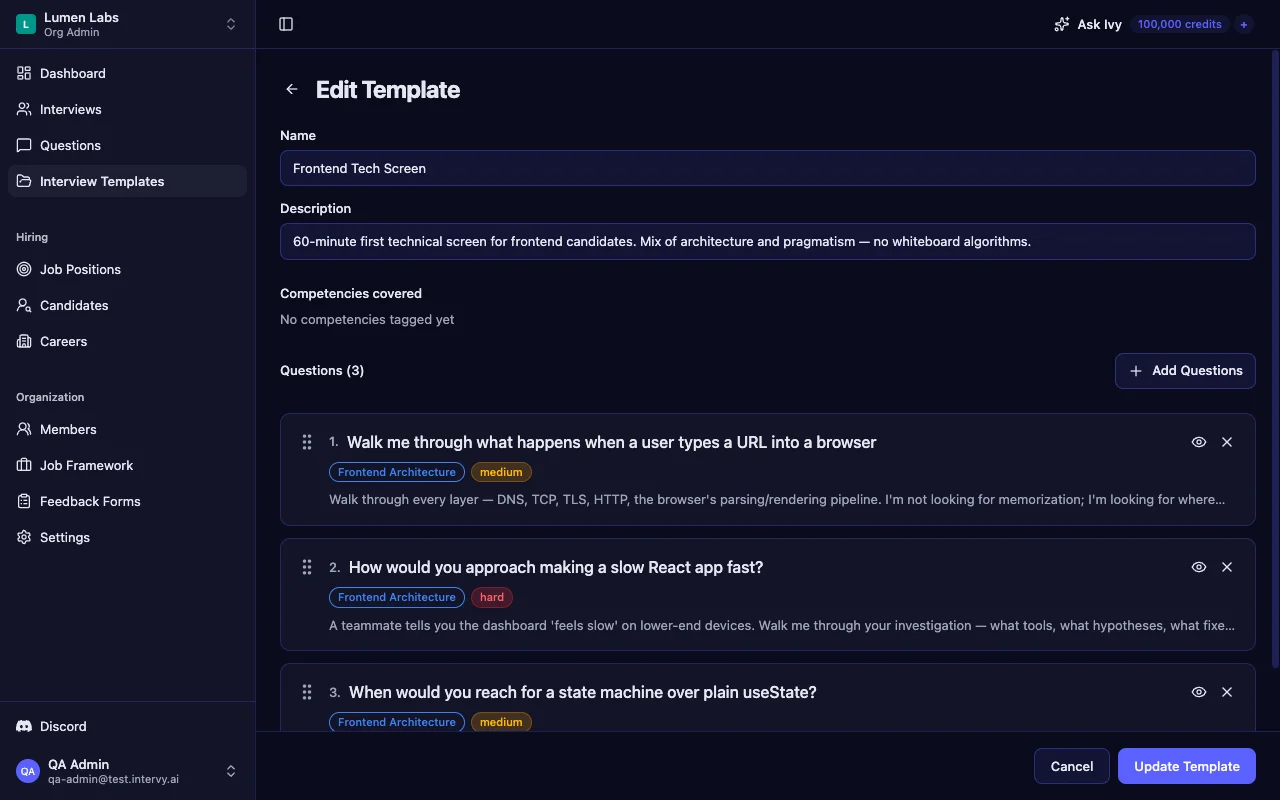
Reusable templates inside an interview template builder mean every interviewer on your team asks calibrated questions at the right difficulty level — and you can clone the 30-minute screen as a starting point for a new role variation.
Scoring Frontend Interview Answers
Consistent scoring eliminates the "gut feeling" problem. Intervy ships a 5-point scale by default — Strong No, No, Maybe, Yes, Strong Yes — and uses it as the standard interview scoring tool across every interview type. Three-level and ten-level presets are also available if your team prefers a different granularity.
The 5-Point Scale
- Strong No (1) — cannot answer or gives fundamentally incorrect information
- No (2) — partial understanding with significant gaps
- Maybe (3) — factually correct but surface-level, no reasoning or examples
- Yes (4) — solid answer with trade-offs, reasoning, or real-world context
- Strong Yes (5) — exceptional depth — connects concepts, mentions edge cases unprompted, offers alternatives
Scoring in Practice
| Question | Maybe (3) | Yes (4) | Strong Yes (5) |
|---|---|---|---|
| Box model | Names the four boxes | Reaches for border-box reset | Explains predictability + width math |
| Event delegation | Says "event bubbles up" | Uses closest() correctly | Mentions dynamic elements + { passive: true } |
| Core Web Vitals | Lists LCP / INP / CLS | Names one fix per metric | Distinguishes lab vs field data |
| Focus management | "Trap focus in modal" | Lists trigger + trap + restore | Mentions <dialog> and inert |
Red Flags vs Green Flags
- Red flag: Still says "FID" instead of INP in 2026
- Red flag: Defaults to Redux for every state question without asking what kind of state
- Red flag: "Just add
!important" as a specificity answer - Green flag: Asks "browser-only or does this need to work in React Native too?" before answering
- Green flag: Mentions trade-offs unprompted ("GraphQL solves over-fetching, but HTTP caching gets harder")
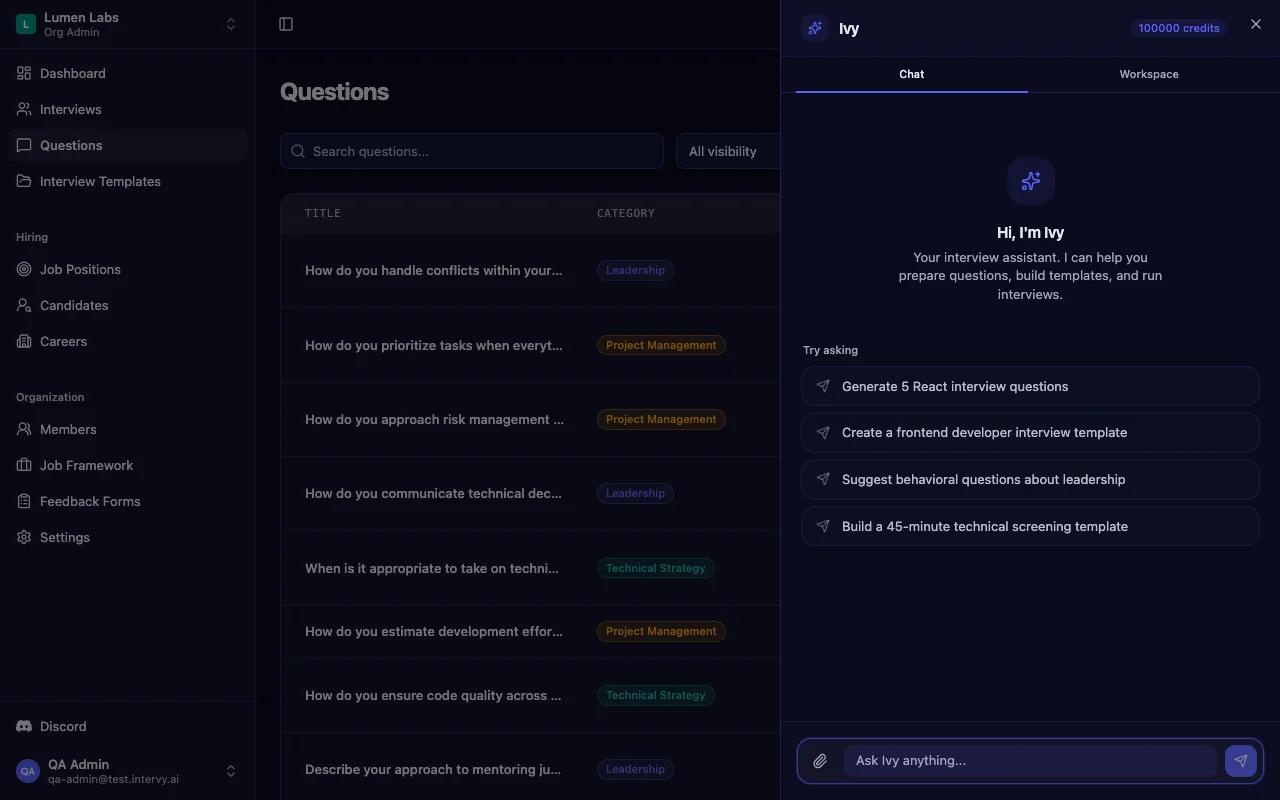
An AI interview question generator like Ivy can draft new questions and templates calibrated to specific roles and levels. Ivy works as a candidate screening tool helper too — it drafts questions but never auto-publishes; you stay in control of what lands in your template.
Build Your Frontend Interview Question Bank
Good interviews aren't improvised — they're engineered. The 15 questions in this guide give you a structured foundation across the six surfaces frontend candidates actually work on, but the full bank covers more ground. Browse all 32 — with answers, difficulty ratings, and category filtering — on our Frontend developer interview questions page.
If you're hiring for JavaScript-heavy roles, see our JavaScript interview questions guide. For React-specific roles, check our React interview questions guide. And for a broader view across the full stack, see our complete guide to technical interview questions.
All 32 questions are also available as a ready-to-import bundle in Intervy. Head to the Import section, select "Frontend Developer" from the Sample Interview Data dropdown, and click Load — organized by category (HTML & CSS, JavaScript, Frontend Architecture, Accessibility, Performance, Tooling), tagged by difficulty, and ready to drop into your next interview template. The bundle also includes the seed's "Frontend Developer Interview" template with 10 starter questions you can use as-is or fork as a base for your role variations — a practical interview preparation app for hiring managers who'd rather calibrate than reinvent.